Qr Generater

Quick Start

Instant QR

Reviews

FAQ

Website

Wi-Fi

Phone

Whatsapp

Email

Social Media

Calendar Event

1. Code Content

Enter your Website

2. Design your QR

Frame
Shape
Logo
Level

Shape Style

Border Color

Background Color

Border Style

Center Style

Border Color

Background Color

3. Download your QR

px

px

Preview & Download

px

px

1
content
2
Design

Enter your Website

How to create a QR code?
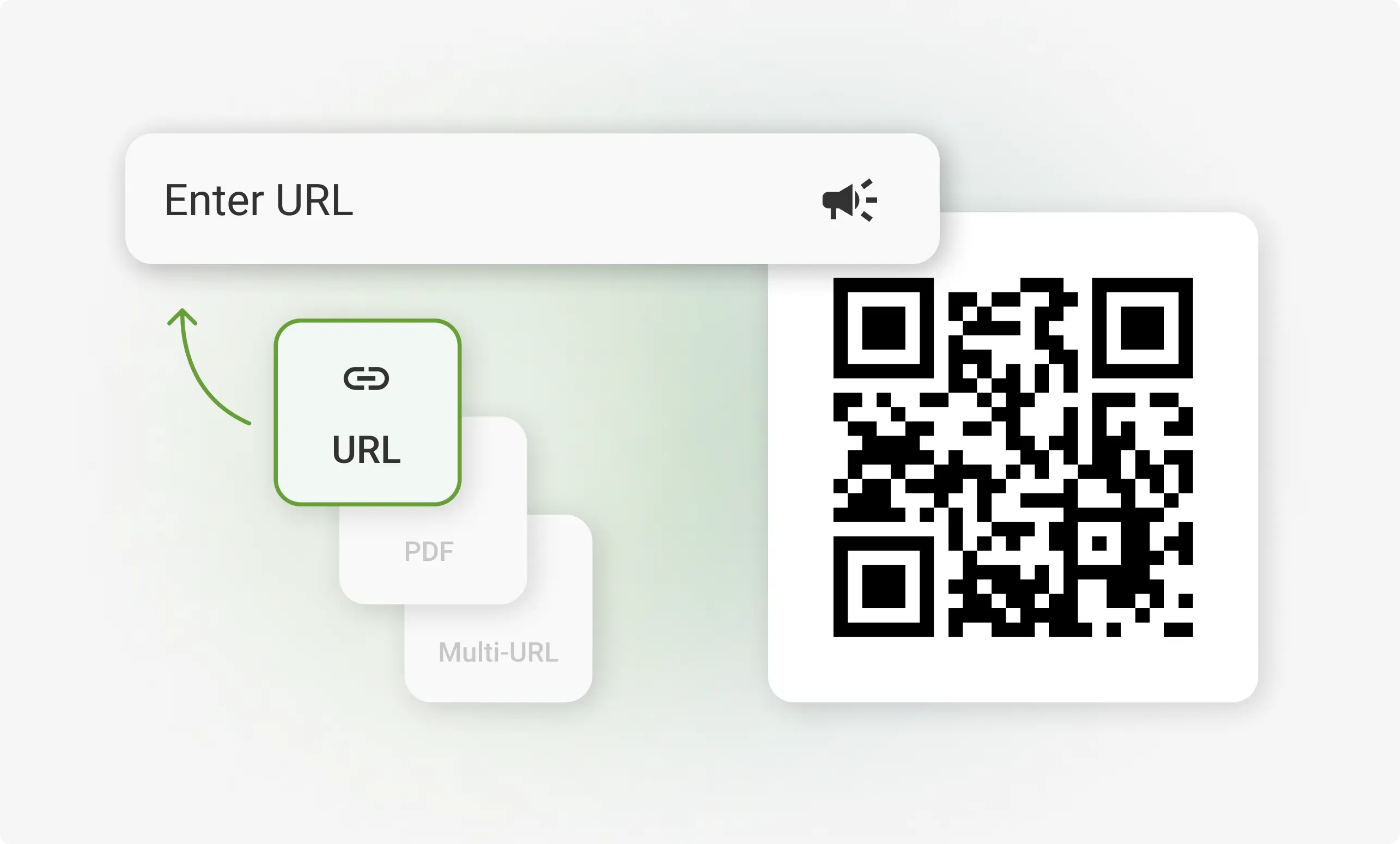
Pick the content type for your QR code

Whether it's a Website, Wi-Fi, Phone, Whatsapp, or Email link—we've got you covered.
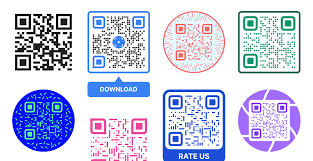
Tailor and design your QR code

Enter your details and use our design tools to create a truly personalized QR experience.
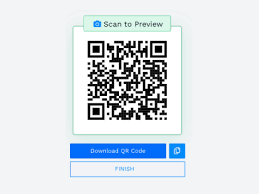
Grab your QR code

Download it in your preferred format and use it anywhere—online or in print.
Create any type of QR code

From text and links to files and business cards We supports all formats.

Website

Wi-Fi

Phone

Whatsapp

Email

Social Media

Calendar Event

Website

Link your website to a QR code Make your site instantly accessible—drive traffic and grow your online presence with ease.

Give users instant access to your website or store A single scan connects customers to your online presence—fast, smooth, and efficient.

Change your link anytime without reprinting Keep your QR code up to date with relevant content—even after it’s printed.

Our clients tell you why they should choose Qr Generater

Ananya R.

Super easy to use! I created a QR code for my event invite in under a minute. Loved the customization options—it matched my theme perfectly!

Posted On: June 25, 2025

Do not leave with doubt

What types of QR codes can I create with this app?

You can generate QR codes for URLs, Wi-Fi, contact info (vCard), emails, phone numbers, social media, events, and more.

Can I customize the look of my QR code?

Yes! You can personalize your QR code with custom colors, styles, embedded logos, and shapes to match your brand or design preferences.

Is it possible to generate dynamic QR codes?

Currently, the app supports static QR codes. Dynamic QR support (editable after creation) may be added in a future update.

How do I save or share the QR code I create?

You can download your QR code in PNG, PDF, or SVG format, or share it directly via WhatsApp, email, or social media from within the app.

Does the QR code expire?

No. Static QR codes created using the app do not expire and can be used indefinitely unless the linked content is removed or changed externally.

Can I scan QR codes using this app?

Yes! The app includes a built-in scanner that allows you to read QR codes using your device’s camera.

Is internet required to use the app?

Most features work offline, but you’ll need an internet connection to open links or fetch content like websites or online files.

Can I use QR codes for business purposes?

Absolutely. The app is ideal for marketing, digital menus, business cards, event invitations, product packaging, and more.

Is my data secure when using the app?

Yes, your QR codes are generated locally on your device. No personal data is collected or stored.

Are there any limits on how many QR codes I can generate?

No limits! You can generate as many QR codes as you like, completely free.